






An opinionated design system for Compose Multiplatform.
Installation
Published on Maven Central:
implementation("glass.yasan.kepko:component:<version>")
implementation("glass.yasan.kepko:foundation:<version>")Usage
Wrap your app content with KepkoTheme:
| Code | Preview |
|---|---|
KepkoTheme {
    Text("Hello, Kepko!")
    TextPill(
        text = "Yasan Glass",
        containerColor = KepkoTheme.colors.information,
    )
} |
 |
Components
| Component | Light | Dark |
|---|---|---|
| ButtonText |  |
 |
| OutlinedTextField | 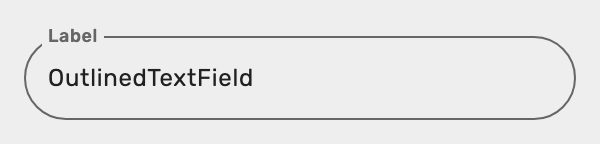 |
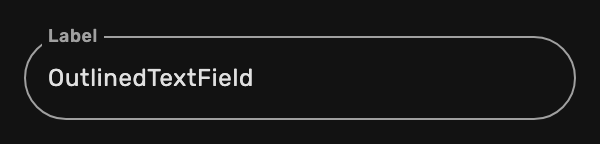 |
| PreferenceCheckbox | 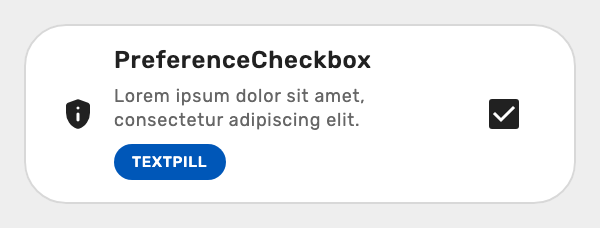 |
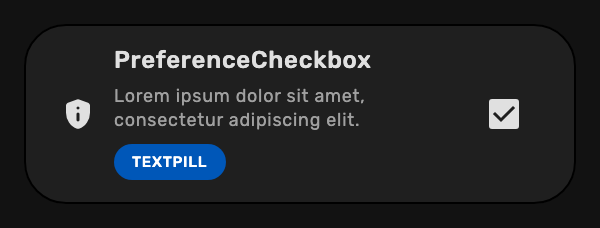 |
| PreferenceRadioButton | 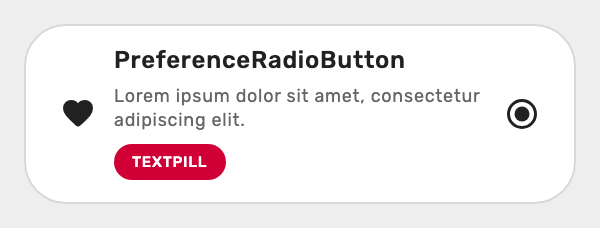 |
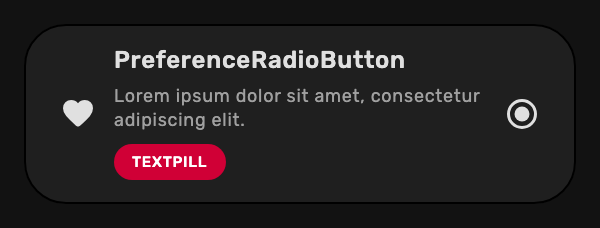 |
| PreferenceRadioGroup | 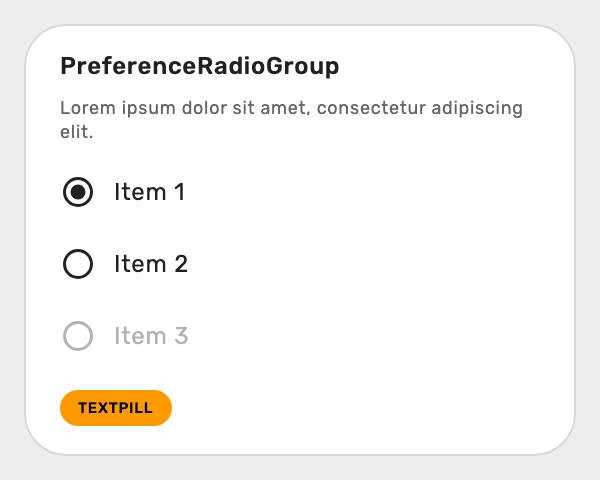 |
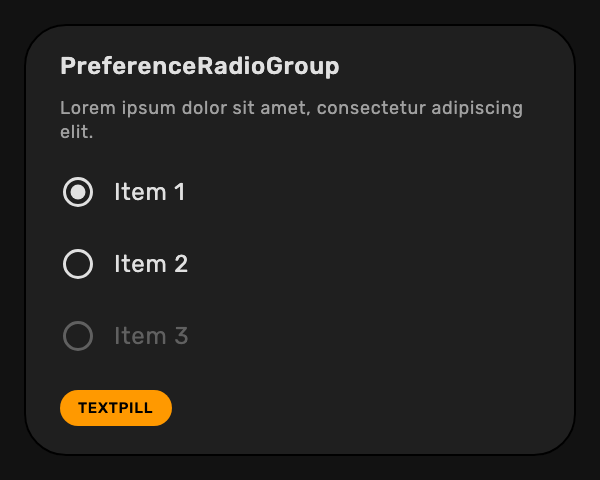 |
| PreferenceSlider | 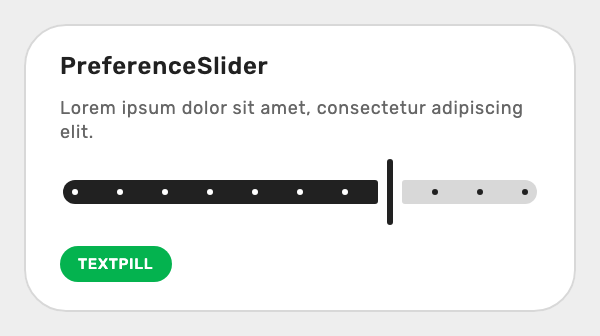 |
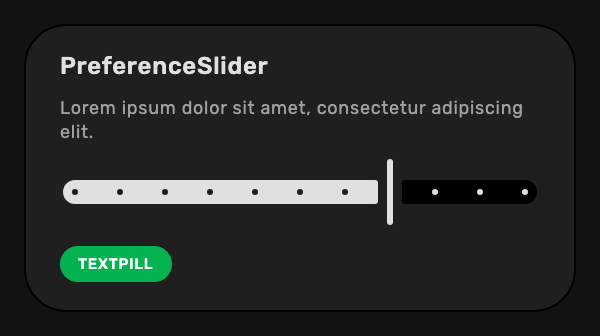 |
| PreferenceSwitch | 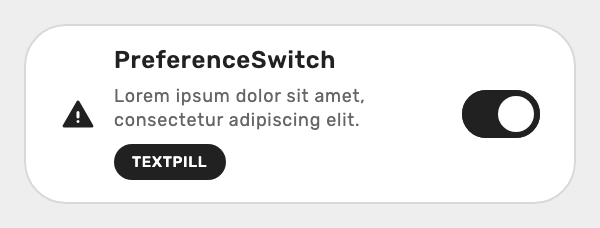 |
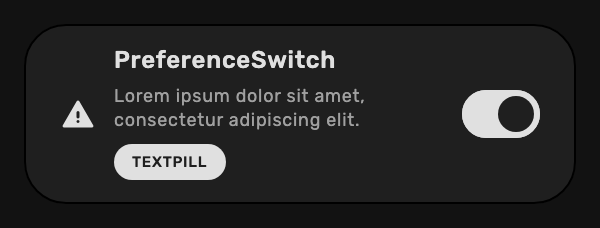 |
See the full list of components here.
Theme Styles
| Theme Style | Preview |
|---|---|
| Light |  |
| Dark |  |
| Black (AMOLED) |  |
| Solarized Light |  |
| Solarized Dark |  |
Persistence
An optional module that automatically persists and restores theme preferences across the app launches.
implementation("glass.yasan.kepko:persistence:<version>")Use PersistentKepkoTheme instead of KepkoTheme to automatically persist and restore theme preferences:
@OptIn(ExperimentalKepkoApi::class)
PersistentKepkoTheme {
    // your app content
}To let users change the persisted theme setting, use PersistentPreferenceThemeScreen:
PersistentPreferenceThemeScreen(
    onBackClick = { /* navigate back */ },
)PersistentKepkoTheme provides the following CompositionLocal values inside its content:
-
LocalKepkoThemeStyle: the currently activeThemeStyle -
LocalKepkoPersistenceManager: thePersistenceManagerinstance for direct access to persistence state
Sample Project
Explore Kepko in a real project with the included sample project.
 |
 |
|---|